
About page and the panel version
A short description of WPManager inside the panel — and where to find the version of the panel and of the WordPress plugin when support asks for it.
Where to find it: Help → About.
Open the About page
-
Open “About”
In the sidebar open Help → About. The page holds one line about the product: “WPManager — a control panel for your WordPress site portfolio: uptime, PageSpeed, content, security and backups in one place.”

Fig. 1 The About page. -
Check the panel version
The panel version is shown at the top of the sidebar, next to the WPManager name — for example
v6.0. Mention it when you report a problem in the support chat.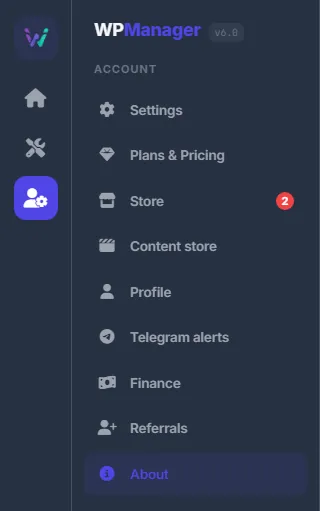
Fig. 2 The panel version sits next to the WPManager name at the top of the sidebar.
The plugin version
On the WordPress side, WPManager works through the WPManager API plugin. Its version is shown in the WordPress admin under Plugins. The plugin needs WordPress 5.6 or newer and PHP 7.4 or newer — see Installing and connecting the WPManager plugin.
No About item in the menu?
Support can switch menu sections on and off for an account. If “About” or another section is missing from your menu, ask in the support chat.