
Referral program
Share your personal link. Everyone who signs up through it stays your referral for life, and you get a share of everything they spend in the panel, credited to your balance every hour.
On this page
Where to find it: Account → Referrals.
Invite people
-
Open Referrals
Open Account → Referrals. The cards at the top show “Brought in” (and how many of them have spent something), “Earned” (and how much this month), “Coming” (paid to your balance every hour) and “Your share” (of their spending, for life).
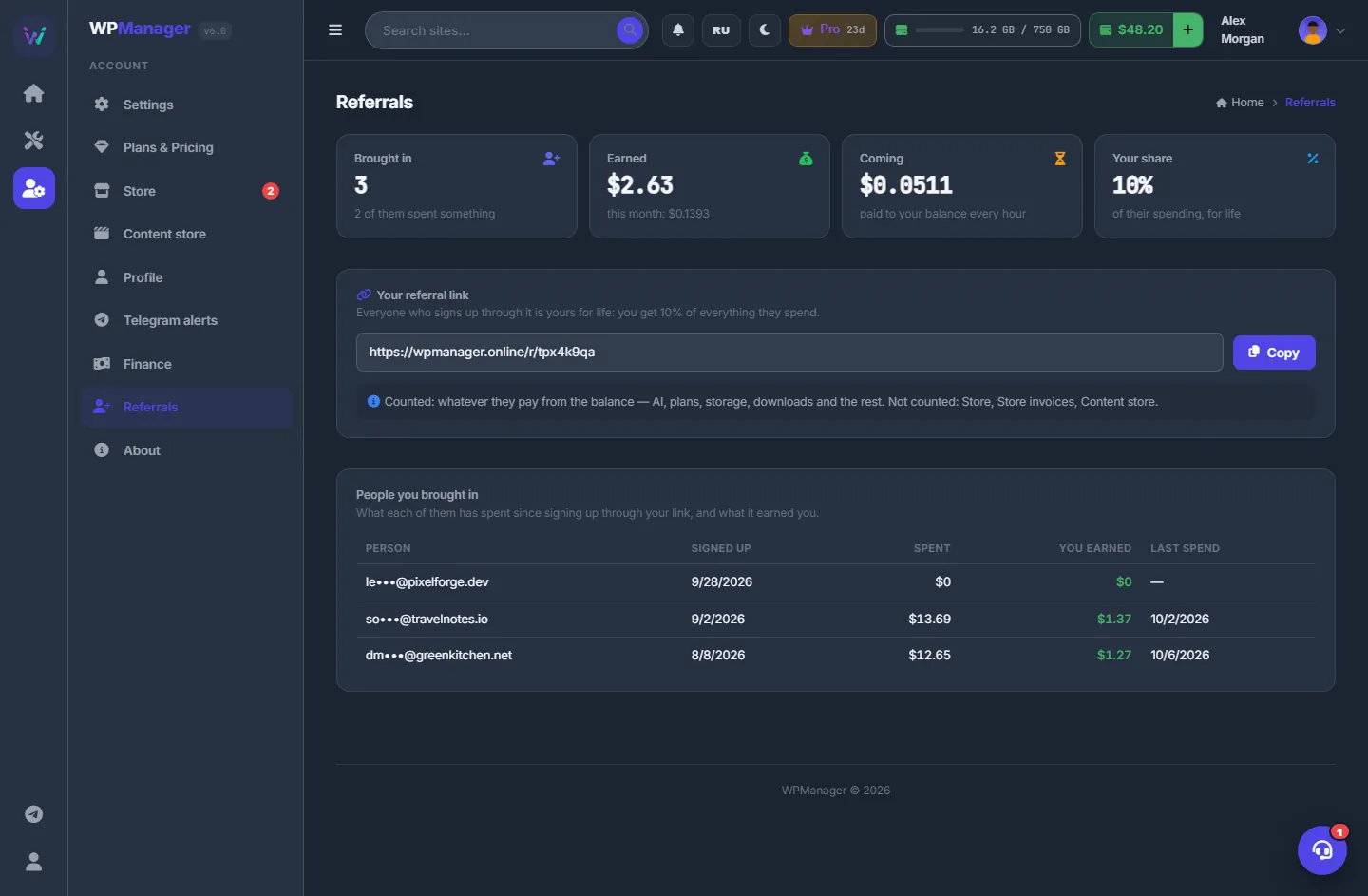
Fig. 1 Referrals: your link and what it has earned. -
Copy your link
In “Your referral link” click “Copy”; the panel confirms “Link copied”. The link looks like
wpmanager.online/r/AB12CD34. -
Share it
Post it where webmasters will see it. A visitor who opens the link is remembered for 90 days and becomes your referral when they sign up — by email or with Google.
-
Watch the results
“People you brought in” lists each person with a partly hidden email, the date they signed up, how much they have spent, what you have earned from them and their last spend.
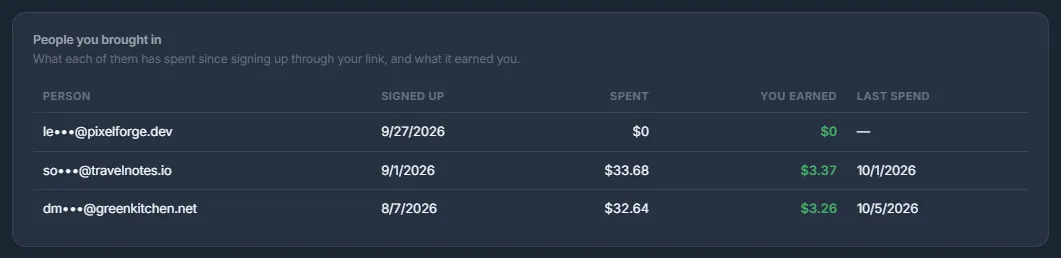
Fig. 2 People you brought in.
Nobody yet?
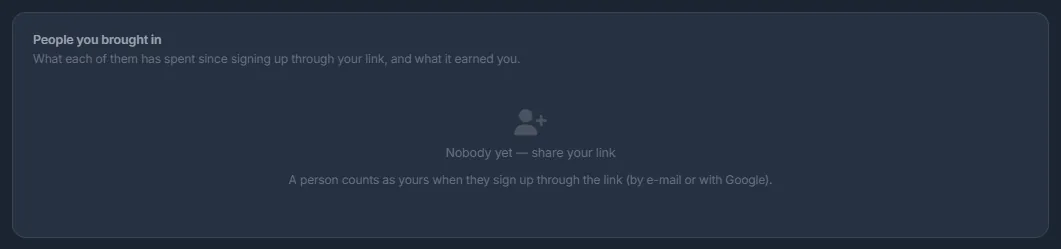
Until someone signs up through your link, the list says “Nobody yet — share your link”. A person counts as yours only when they sign up through the link.
What counts
Everything your referrals pay from their balance counts — AI, plans, storage, traffic, premium downloads, video conversion, abuse removal and the rest — except the Store and Store invoices, which the page lists after “Not counted:”. Content store purchases count with their own share, shown on the page as “Content store · 5%”.
Your share and payouts
Your share is 10% of what your referrals spend that counts (see “What counts”); the “Your share” card shows your exact rate. Content store purchases earn their own share. Rewards are added up and credited to your USD balance every hour as “Referral program”. On the Profile they appear as a separate income source. There is no end date.
Rules
- Only new accounts created through your link count. An existing account cannot be attached later, and accounts created by support belong to nobody.
- Rewards stop for a referral whose account is deleted or disabled.
- If WPManager pauses the program, the page says so, and new spending earns nothing until it resumes. Rewards already earned are still paid.
Costs
Free for everyone: you earn, and your referrals pay their usual prices. WPManager pays the share.
Troubleshooting
| What you see | What to do |
|---|---|
| A friend signed up but is not in the list | They probably opened the link in another browser, signed up more than 90 days later, or already had an account. Such an account cannot be attached afterwards. |
| The page says the program is paused | WPManager has paused the program. New spending earns nothing until it resumes; rewards already earned are still paid. |
FAQ
Can I cash out referral earnings?
They are credited to your WPManager balance; the panel has no cash-out.
Do my referrals pay more?
No. WPManager pays the share; their prices do not change.
Do I see who my referrals are?
You see a partly hidden email, the sign-up date and the amounts — enough to follow the results, but not their full address.